Cinematic Autumn 3D Collage Animator
Transform static multi-panel character collages into a continuous, cinematic 3D animated sequence with golden autumn ambience.
How to use this prompt
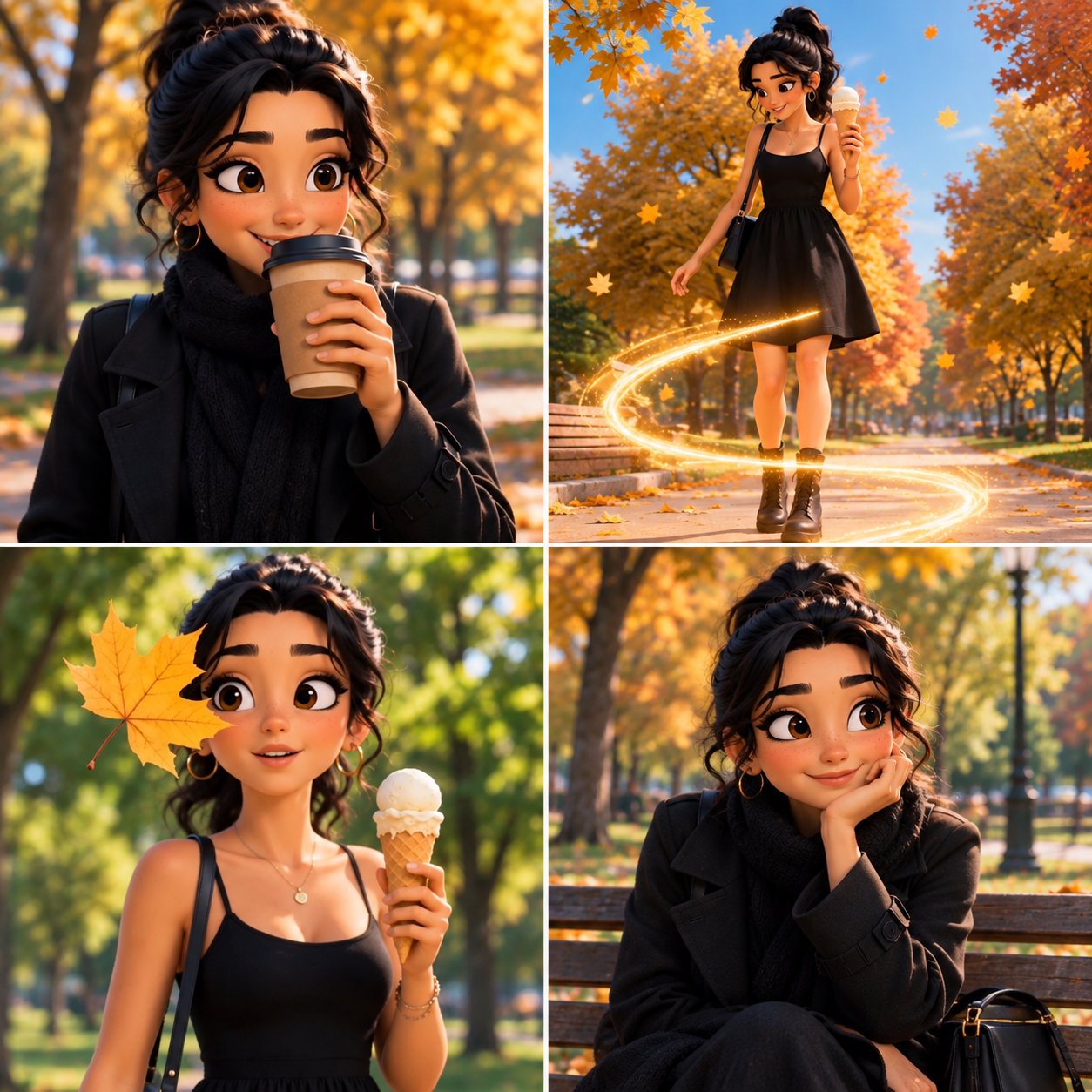
This template turns static four-panel character collages into fluid, Pixar-style 3D animated video sequences. It is ideal for multimodal video generators that accept image references, particularly for short-form social stories in 9:16 vertical format or scenic landscape shots in 16:9 widescreen. Use it to craft seamless character vignettes, seasonal motion portraits, and mini narrative reels.
To achieve the smoothest motion, connect the narrative chain between Panel 1 Action through Panel 4 Action with gentle, progressive movements rather than drastic leaps in choreography. For instance, pair Warm Golden Sunlight with Magical Cozy Autumn while describing slow gestures like catching a falling leaf followed by turning toward the camera. Reinforce Character Outfit with distinct textures like knitted wool or corduroy to anchor visual identity.
Common pitfalls include character drift and erratic camera warping between panels. Avoid writing contradictory actions across adjacent panels, which confuses temporal diffusion. Keep camera prompts subtle, ensuring the model focuses on facial emotion and fabric physics rather than wild scene transitions that break the collage boundary.
Prompt Template
Create a cinematic 3D animated video from this {source_collage_type}. Smoothly animate each panel one after another with seamless transitions. {action_panel_1}, then {action_panel_2}. Next, she {action_panel_3}. Finally, she {action_panel_4}. Add gentle falling leaves, subtle hair and clothing movement, {lighting_style}, realistic depth of field, soft camera motion, cinematic lighting, expressive eyes and natural facial movements. Keep the same character design, {outfit_description}, hairstyle and autumn color palette throughout. {aspect_ratio}, high-quality polished 3D animation, smooth motion, {atmosphere_mood}.
Tunable variables (9)
- Source Collage Layout — Specifies the structure and theme of the uploaded collage image.
- Panel 1 Action — Action and emotion depicted in the first animated frame.
- Panel 2 Action — Movement and visual effects in the second transition phase.
- Panel 3 Action — Action and facial expression for the third sequence.
- Panel 4 Action — Concluding pose and emotional tone.
- Character Outfit — Consistent wardrobe style across all panels.
- Lighting Quality — Lighting setup and color warmth of the scene.
- Atmosphere & Mood — Emotional tone and ambience.
- Aspect Ratio / Format — Canvas orientation and video aspect ratio.
Tags
3D Animation Video Generation Collage Animation Autumn Vibe Cinematic
Type: AI-Generated Community Prompt. Sample images are generated with AI models and serve as baseline references only. Prompts are parameterized for transformative search & educational customization.